
Reels in.
Shorts out.
Send public Instagram Reels to your YouTube channels as Shorts — one at a time, or a whole batch in the background, without leaving the tab.
Free · Firefox & Chrome · No sign-up
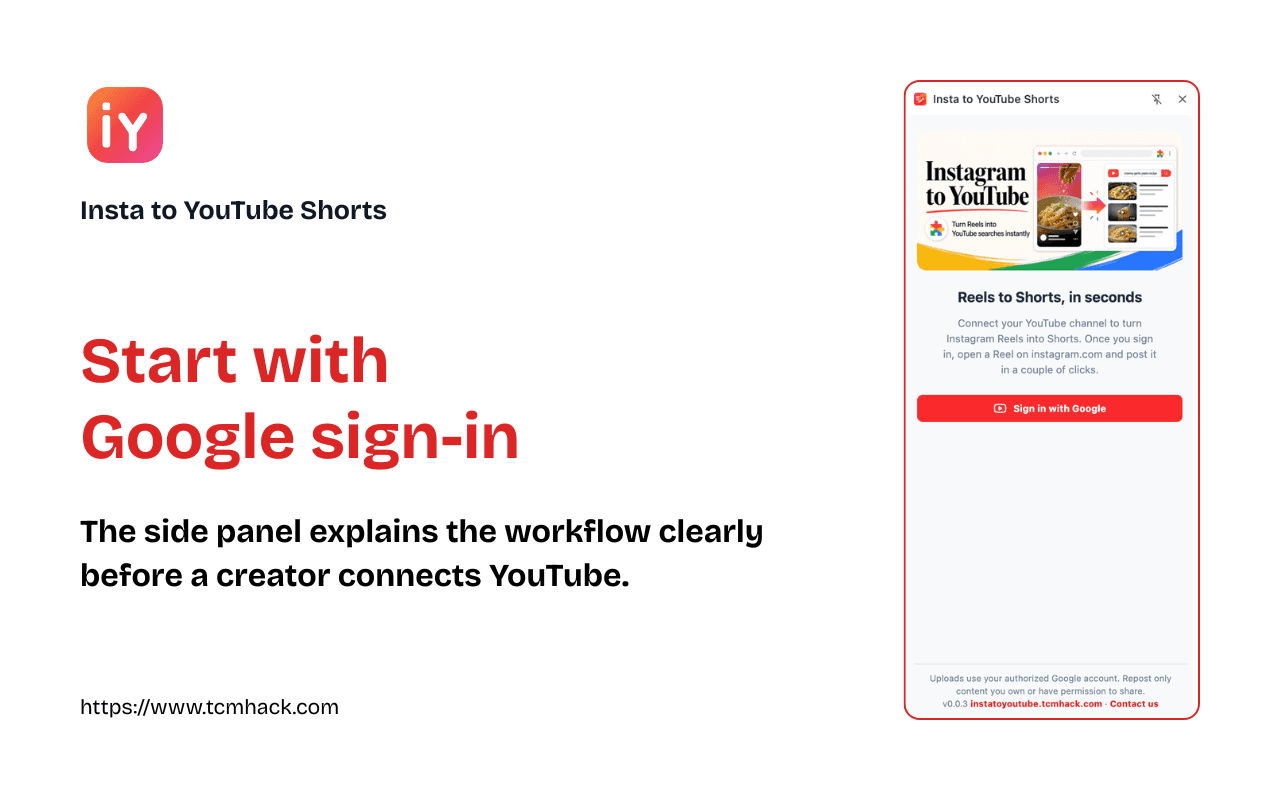
Reel to Short in three steps
No downloads, no re-uploads, no leaving your browser.
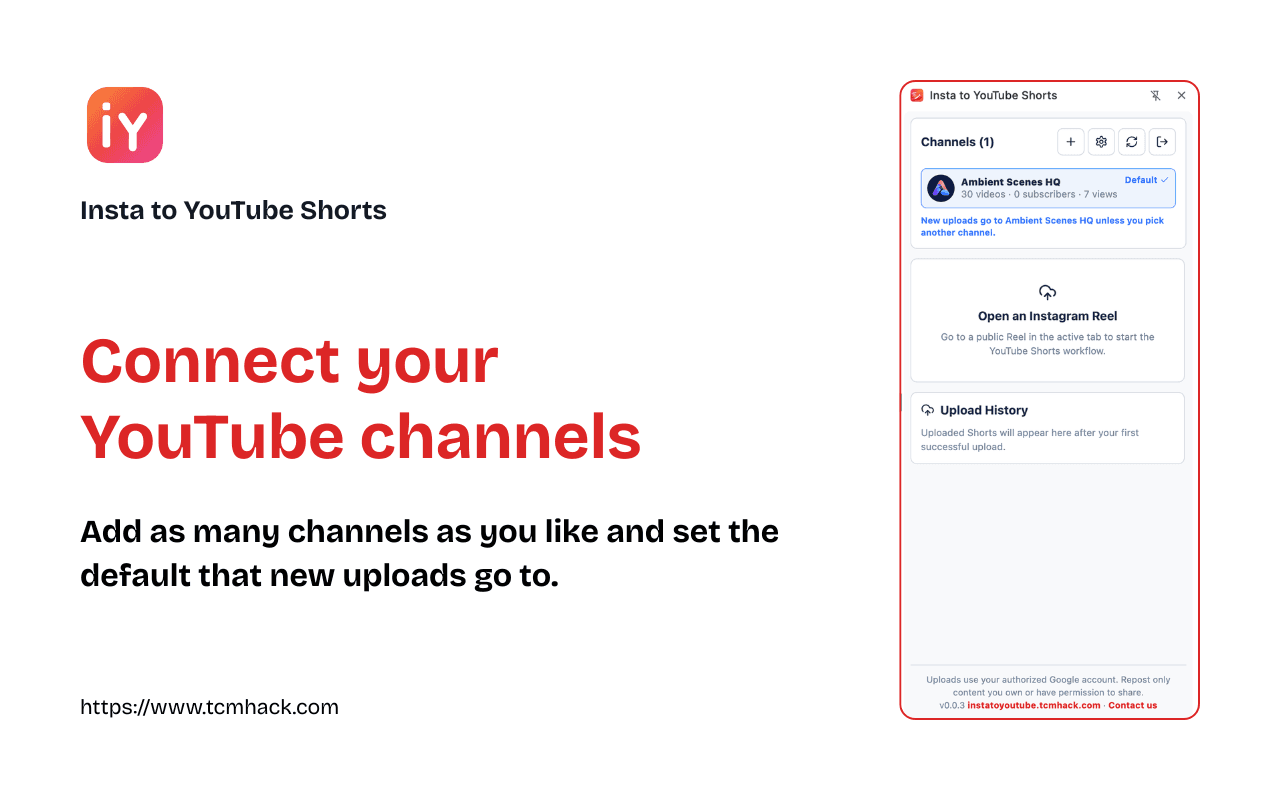
Connect your YouTube channels
Sign in with Google, add as many channels as you like, and set the default that new uploads go to.
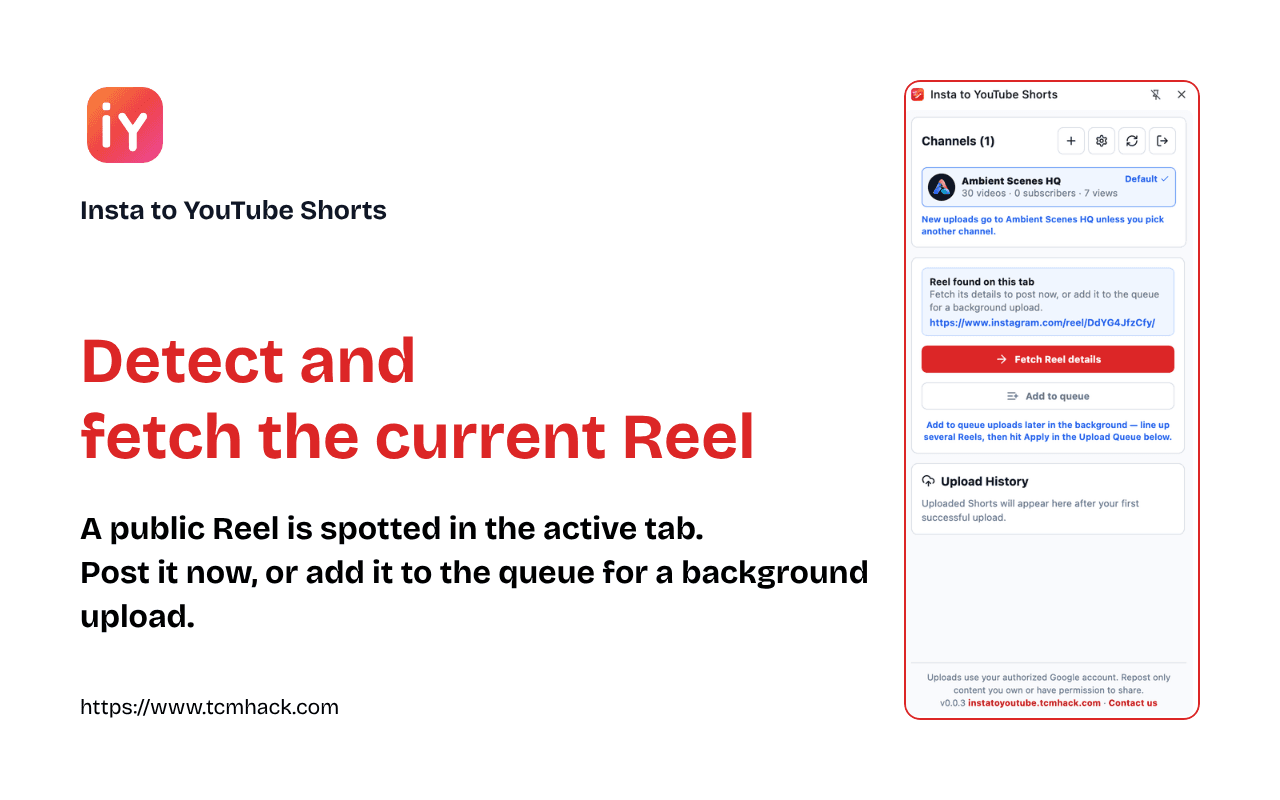
Open a Reel and fetch it
Browse Instagram as usual. The side panel spots the public Reel in your active tab and pulls its media and details in one click — or queues it for later.
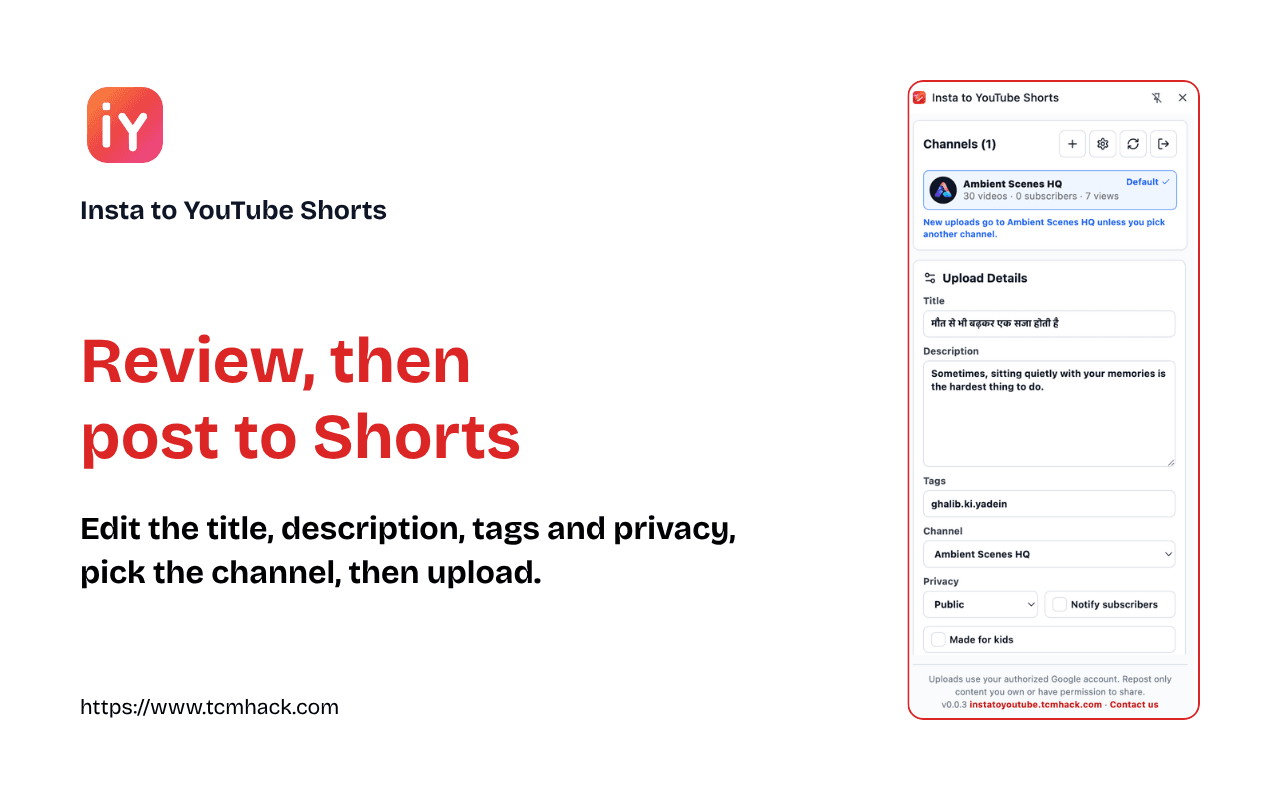
Review & post to Shorts
Edit the title, description, tags and visibility, choose the channel, then upload.
Built for creators who move fast
Everything the repost-your-own-Reels workflow needs — and nothing it doesn't.
Background batch queue
Add several Reels, hit Apply, and they upload one at a time in the background — even with the panel closed. Fresh media is fetched at upload time, results arrive as notifications, and failed uploads retry automatically.
One-click YouTube sign-in
Google's own consent screen, so you can pick a personal or brand channel.
Multiple channels
Keep several channels connected, mark one as default, and switch per upload.
Side-panel workflow
Opens alongside instagram.com so you never lose your place while browsing.
Full upload details
Title, description, visibility, audience and synthetic-media flags — plus default tags you save once.
Upload history
Tracks posted Reels locally to avoid duplicates, filterable by channel and date.
How we use your Google data
Reelferry asks for access to your Google account only to publish the Shorts you choose. Here is exactly what each permission is for.
Upload your videos (youtube.upload)
Uploads the Reel you pick to the YouTube channel you choose, with the title, description, and settings you set. Nothing is posted without your action.
See your channels (youtube.readonly)
Lists the channels you own so you can pick where a Short goes and set a default. We don't read your videos, comments, subscriptions, or analytics.
Know which account is which (email, profile)
Shows the Google account each connected channel belongs to, so you can tell several channels apart.
Stays on your device
Tokens and channel details are stored only in your browser and sent only to Google. We run no server, and never sell or share your Google data. Disconnect a channel or revoke access anytime.
Our use of Google data follows the Google API Services User Data Policy, including the Limited Use requirements. Read the full Privacy Policy.
Start reposting in minutes
Add the extension, connect your channels, and turn your Reels into Shorts.
Use only for content you own or have permission to repost.